
Overview
SalesHood's SCIM Provisioning API supports bearer token authentication.
Generate an API Token
The SCIM API key can be generated by a Company Admin user from User Management / Settings.
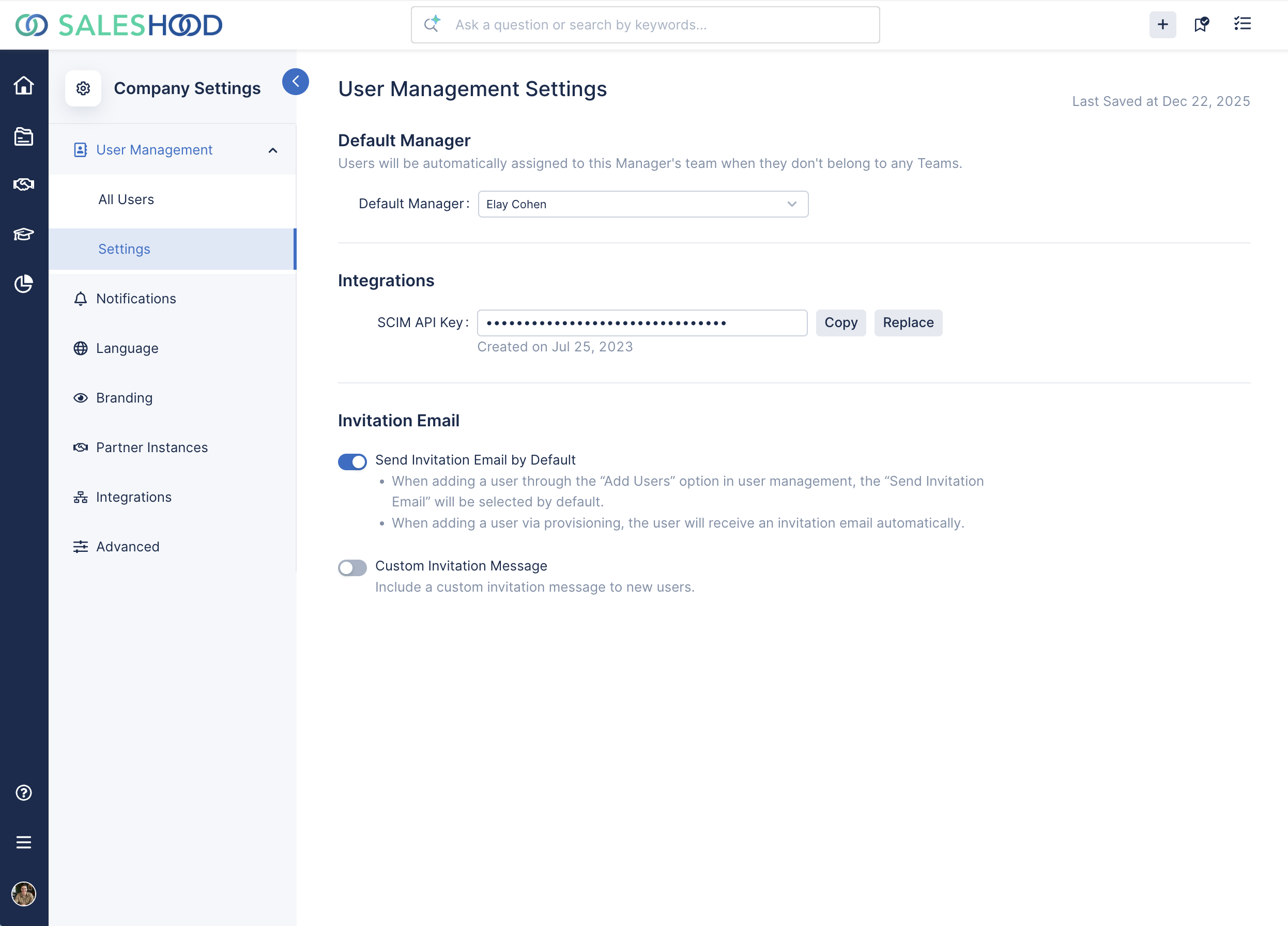
Generate, copy, and replace your SCIM API Key from the Company Settings / User Management / Settings page.
Using Bearer Token Authentication
To authenticate requests, include your access token in the HTTP Authorization header using the Bearer scheme. This allows the API to verify the request’s identity and permissions securely.
The header should look like this:
Authorization: Bearer <YOUR_SCIM_API_KEY>Make sure to keep your access token private and include it with every request to protected API endpoints.
API Key Security
- Keep it Secret: Treat your API Key like a password. Do not share it publicly or hard-code it in client-side code.
- Use HTTPS: Always use HTTPS when making requests to ensure that your API Key is transmitted securely.
- Regenerate if Compromised: If you suspect your API Key has been compromised, regenerate it immediately in your developer portal.